 Imperial
CRM Systems
example deliverableSetup, migration, customization, HubSpot, pipelines, lifecycle stages, data cleanup
A configured pipeline, a field map, and documented migration checks.
We map what happens now, configure the tools, test every handoff, and write down how your team runs it. Before we build anything, you know which workflows we are touching, what we need access to, and who owns each one afterwards.
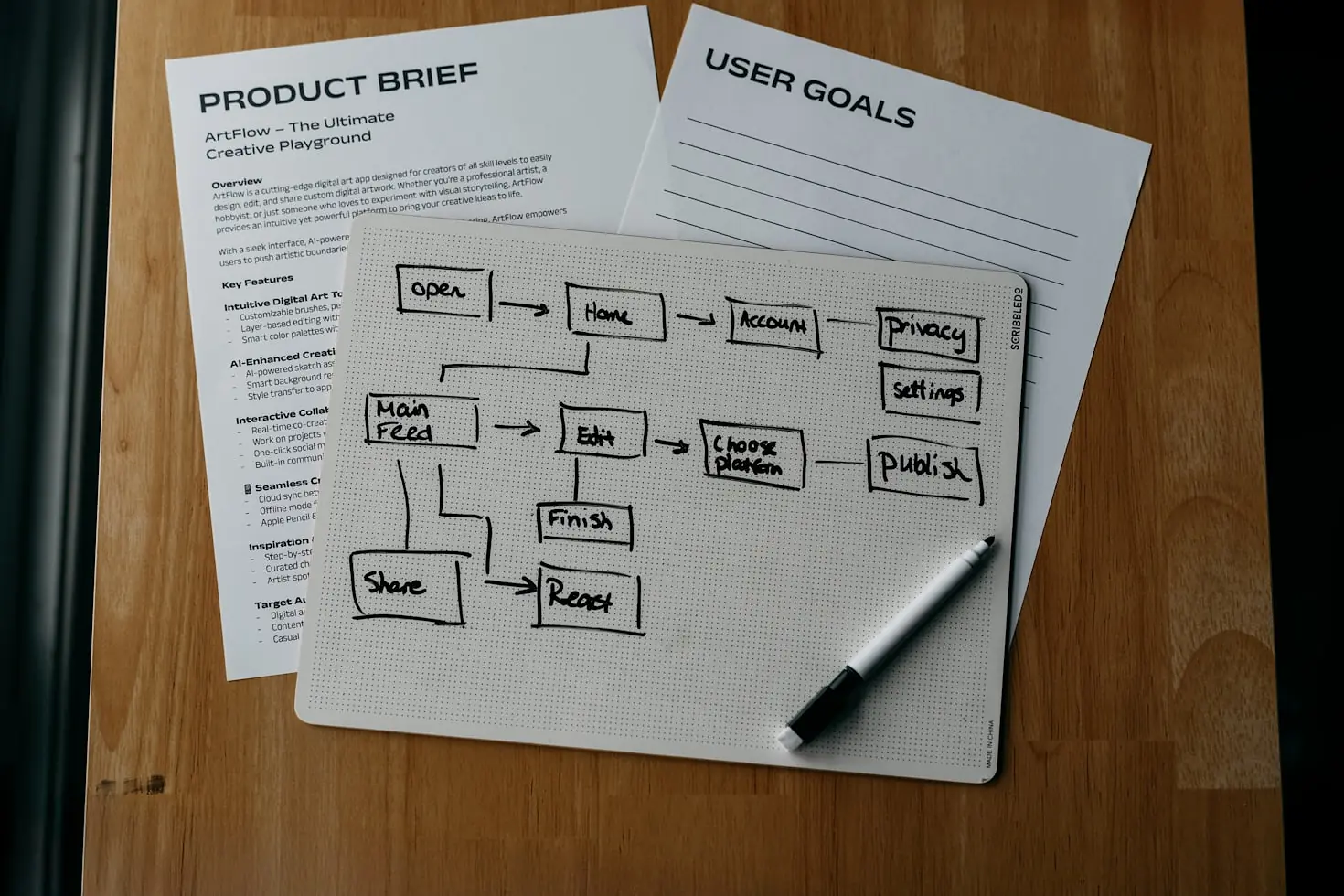
Work falls through when nobody can say what happens next. An enquiry arrives and sits unassigned. A handoff between two people depends on one of them remembering. A report exists only because somebody rebuilds it by hand each month.
The fix is not more tools. It is a process written down, then configured: what triggers the run, what conditions apply, who owns the record, what happens on the exception, and where it stops. We define that with you before anything is switched on, because an automation nobody understands is harder to run than the manual process it replaced.
You get the documentation and a handover session, not just a live account and good luck.
A failed run alerts a person. We do not build a process that fails silently, and we do not describe a system as autonomous when it needs a human review point.
We work with the tools you already hold wherever possible. Before any platform work is scoped we check what your current subscription actually permits, because a tool listing a capability is not the same as your account having it.
A configured pipeline, a field map, and documented migration checks.
Documented triggers, conditions, tasks and stop rules.
A process map, the workflow itself, and defined exception handling.
Defined permissions, named human review points, and evaluation examples.
Data mapping, credentials setup, and defined error and retry behavior.
Reporting definitions, a runbook, and a handover session.
We map what happens today: the steps, the owners, the handoffs, and the points where work stops moving. The output is a process map you can read, not a list of tools. Where a step should stay manual we say so.
We define the architecture before building: which tools are used, how they connect, what triggers each run, what conditions apply, who owns each record, and what happens when a run fails. You approve the design, including the access we will need, before we touch a platform.
We build and integrate all automations in your existing tools or set up the right tools if you do not have them yet. Everything tested end to end before it goes anywhere near your live business.
Every workflow is tested on synthetic records before it touches live data. We run the paths the process can take, including the failure paths, and confirm that a failed run reaches a person rather than disappearing.
We launch, hand over a runbook covering how each workflow behaves and how to change it, and run a handover session with the people who will own it. Ongoing responsibilities are named in the scope rather than assumed.
Each scope names the support period it includes and what that period covers. Beyond it, ongoing maintenance and monitoring are a separate retainer covering priority support, scheduled audits, and updates when a platform changes in a way that affects your workflows. What is covered is written into the scope rather than assumed.
HubSpot most often, and others where you already hold a subscription. Before any platform work is scoped we check what your current plan actually permits, because a tool listing a capability is not the same as your account having it.
Yes, for cross-system work where a native CRM workflow cannot reach. Which tool runs a given step is a design decision we make with you, not a preference we impose.
That is most of the work. Website to CRM, forms, APIs, webhooks, data synchronization, with the data mapping and the error and retry behavior defined before anything is switched on.
It can draft, triage and classify. Whether it sends without a person looking is your call, and we will tell you where we think that line should sit for your business.
Anywhere a wrong answer costs you a client or a contract. Every workflow we build names its review points explicitly rather than leaving them implied.
Named in the scope before we build. You receive a runbook covering how each workflow behaves and how to change it, plus a handover session with whoever will own it.
A person is alerted. We do not build processes that fail silently, and a failed run that nobody sees is worse than the manual step it replaced.
Not sure which part of your process to connect first? Book a free 30-minute discovery call. We will walk the current process with you and tell you which parts are worth automating and which are not.